
I want to change the name characters call me or my details
Last updated: October 19, 2026
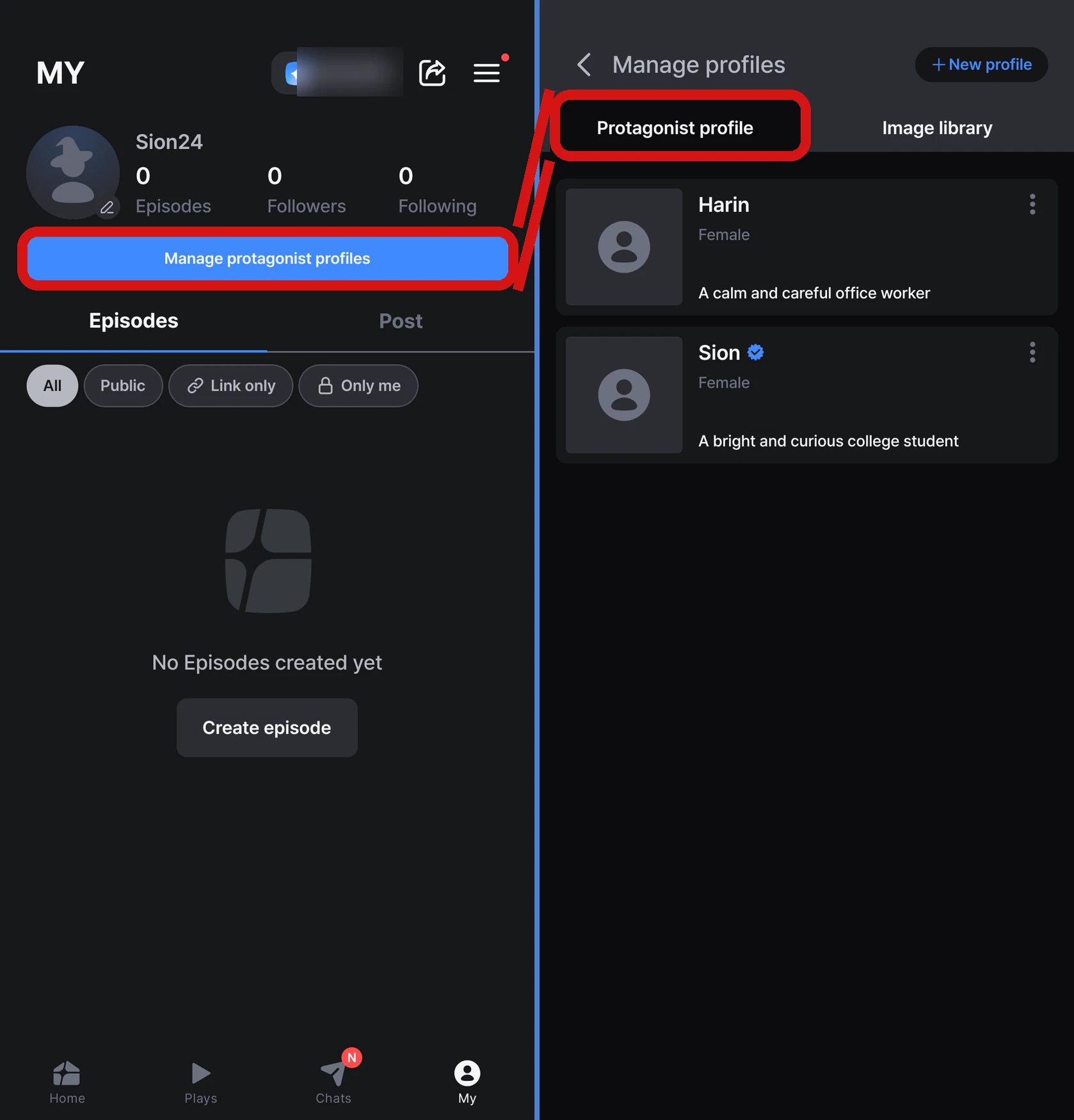
You can change your name and details, or create new ones, in MY → 「Manage protagonist profiles」 (on the web, 「Manage protagonist profiles」 on your My page). In the app, your character in the story is called the 「Protagonist」. You can choose the profiles you make here when you start an Episode, and you can create up to 100 of them.
Creating and managing profiles
The screen has two tabs, 「Protagonist profile」 / 「Image library」, and you create a new one with 「New profile」 at the top right.
| Item | Notes |
|---|---|
| Name | 2–30 characters |
| Traits | Up to 500 characters. What you write is reflected in the story |
| Profile image (optional) | jpg, png, webp, or gif up to 10MB. You can also link an image from your Image library with 「Select image」 |
| Gender (optional) | Male / Female / None. If you choose Male or Female, it's reflected in the story; if you choose None, it isn't. This is separate from your account's gender |
- Set the profile you use most with 「Set as main profile」
- Deleted profiles can't be restored
- The name you entered when signing up becomes the name of your first profile, and it's also what characters call you in separate chats with them
How is it used in play?
When you start an Episode, you choose between characters the Director recommends and your own profiles. The profile you choose is copied into that playthrough, so even if you edit it during play, your original profile in MY doesn't change. You can also switch to a different character in the middle of play → I want to change my character in the story
If you want to create your own character image, see I want to create an image of my character in the story.
FAQ
Q. I want to add details about my character just for this playthrough.
Write your personality or background in 「⚙ Settings」 → 「My info」 → 「Memory Note」 on the play screen, up to 1,250 characters. What you write is reflected in the story, and the more specific you are, the better it's reflected.
Q. What is 「Minimize protagonist lines」?
When it's on, the AI writes fewer lines for your character. You get to type more of it yourself, so you can lead the story more freely. Turn it on or off in 「⚙ Settings」 → 「Play settings」 on the play screen.
Q. I changed my settings, but they're not reflected right away.
Changes to your profile, Memory Note, and 「Minimize protagonist lines」 are reflected from the next time the AI continues the story, not in the scene you're currently viewing.